Acterys Blog
Join us as we uncover the latest trends, tips, and success stories in the ever-evolving landscape of business intelligence. Ready to unlock the power of your data?
I can’t help smiling when I see legacy BI/Planning application vendors -that were not so long ago laughing away Power BI- coming out with their own “Power BI Integration” after Microsoft has turned around the industry. These are more often than not nothing but “a marketing spiel” to build on Power BI’s awareness and of very limited use in real life application scenarios.
Across many mid-sized and large companies, finance and operations teams are at crossroads. This was one of the findings from the recent BPM Pulse 2021 survey which revealed that only a third of companies had truly harmonized strategic, financial, and operational plans.
Power BI offers unparalleled features for analysis and visualization: in this post we explain the quickest way to connect Oracle Netsuite in Power BI Deskop and how you can add comprehensive planning and budgeting.After your account has been setup, click on the “Integration” menu and go to the “Oracle Netsuite” section:
The Acterys Modeller is cloud based service (with on-premise installation option) that allows enables business users to automatically create optimal analysis models (star schema data warehouse) from a variety to ERP. accounting and SaaS systems. The created models are write and planning enabled and can be edited and extended as needed by business users e.g. for adding new products/attributes, account mappings, new scenarios etc.
Power BI offers unparalleled features for analysis and visualization: in this post we explain how you can add comprehensive planning and budgeting with all editions of Dynamics 365. Add your required tables from Dynamics to Power BI. This can be done either via existing Power BI reports that come with Dynamics, the Power BI Dynamics Connector or with synchronized tables in MS / Azure SQL Server:
Power BI offers unparalleled features for analysis and visualization: in this post we explain how you can add comprehensive planning and budgeting with all editions of Business Central and NAV. Add your required tables from Business Central / NAV to Power BI. This can be done either via existing Power BI reports that come with Business Central, the Power BI Business Central Connector or with synchronized tables in MS / Azure SQL Server:
Alongside the biggest growth on our platform in Q1 of this year with a record number of new customers -including Fortune 500, DAX and ASX listed-, we are very happy to introduce the amazing additions to Acterys with version 21.1 that will be released in April 2021.
In many ways a game changer: not just in regards to improved existing features, but also completely new product components. Here is an overview of the most important improvements and new additions:
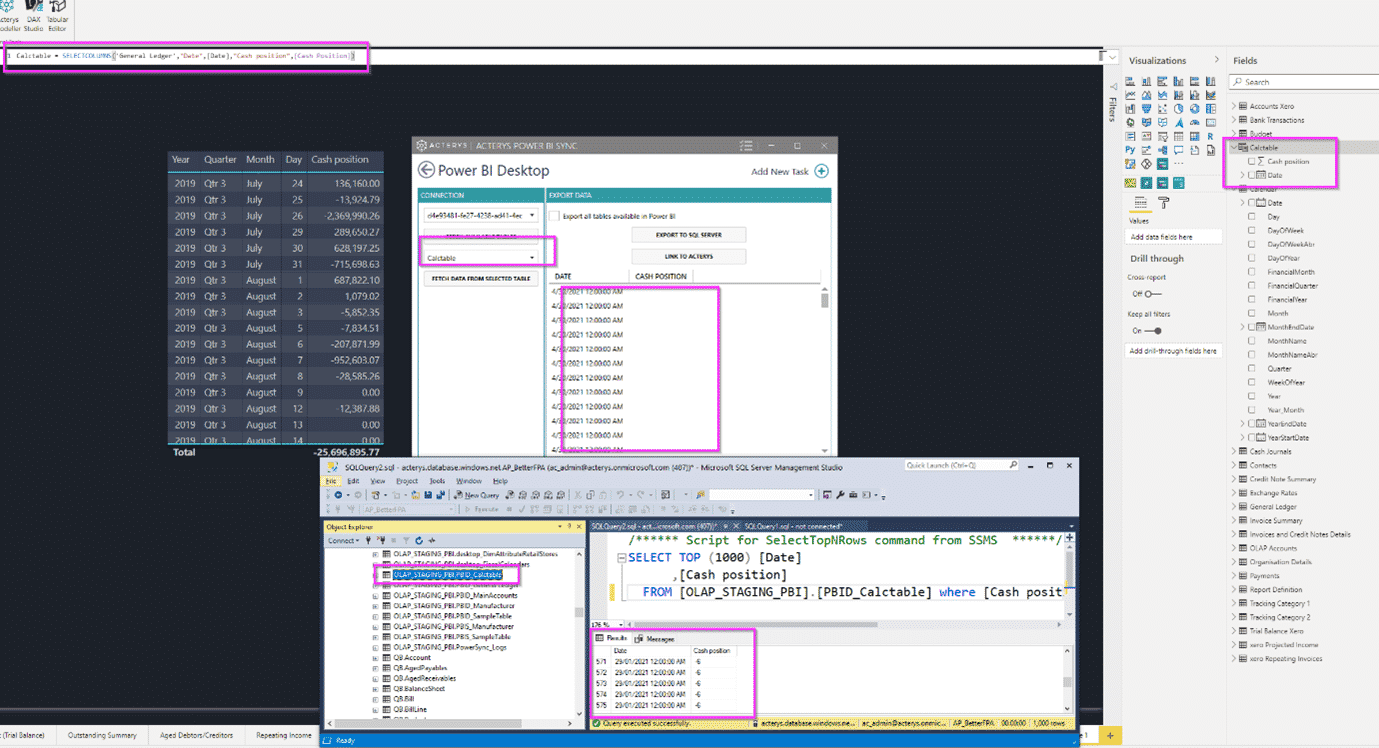
Power BI offers unparalleled features to integrate and transform data. This output is often useful to add to an existing SQL data warehouse. in this post we explain how you can synchronize and load Power BI tables to SQL Server (Azure or on premise) and automate this process.
In questo blog, sto coprendo le ultime tendenze nel mercato della gestione delle prestazioni aziendali (BPM). Le soluzioni BPM in questo contesto includono applicazioni software per il reporting relativo alla gestione aziendale, compresi i risultati consolidati, tutti gli aspetti della pianificazione (strategica, operativa, basata sui driver, budgeting a base zero, ecc.

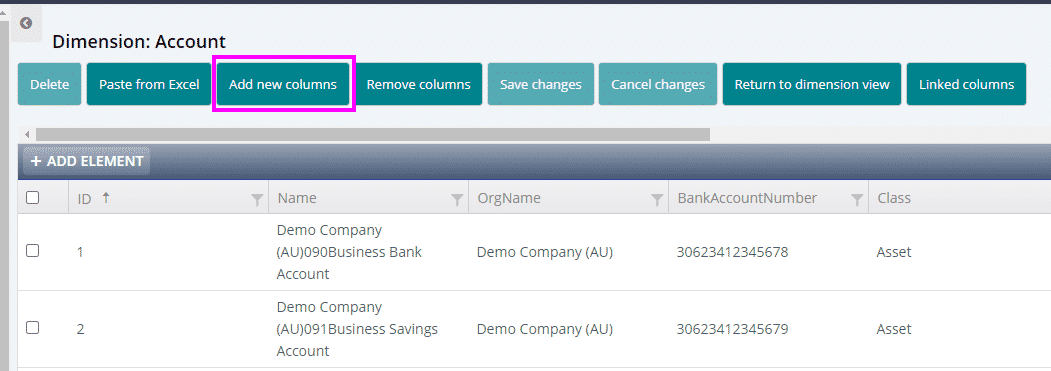
A typical need for finance professionals is mapping accounts or other system entities (companies, products, contacts, etc.) in a different way than they are structured in their source system. Acterys provides a very simple way to do this either in Excel using the Acterys Excel Add-on or in the Acterys Modeller. Excel is typically the easiest option as you have all Excel features like copy/paste, drag and drop, validate, etc. at your disposal.